
TMChart help center
TMChart is a charting and trading platform for Windows that uses data from your broker’s MetaTrader 5. Start here:
- Installation
- Connecting to MetaTrader 5
- Windows, tabs and workspaces — the menus and the screen layout
- SIMULATOR and LIVE — understand both accounts before sending any order
- Order ticket and chart orders
Then: charts, order flow and Super DOM, replay, strategies in NTSL and MQL5, backtest and automations.
In the app, the F1 key opens the article for the screen you are on. The Help menu (menu bar) has Help center (opens this site), About TMChart (installed version and credits, such as the TradingView Lightweight Charts™ used in the charts) and Check for updates (looks for a new version now).
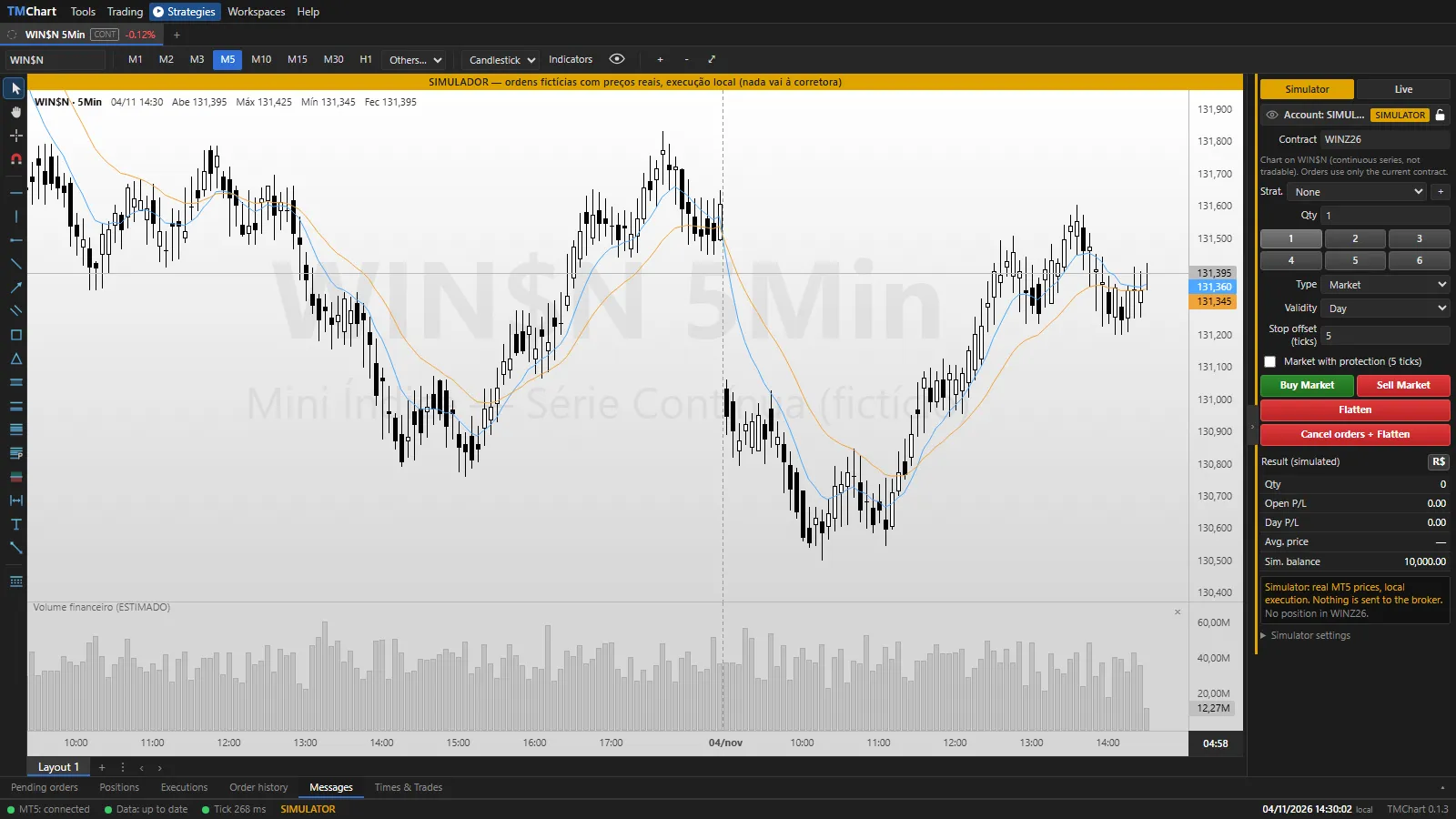 App screenshot with fictitious data (demo).